Your employees clock in at the terminal with a chip or card, or in the SBM employee app. The times go into the timesheet without retyping – with supplements, public holidays and approval, ready for payroll and invoicing.
One booking, three devices – no double entry.
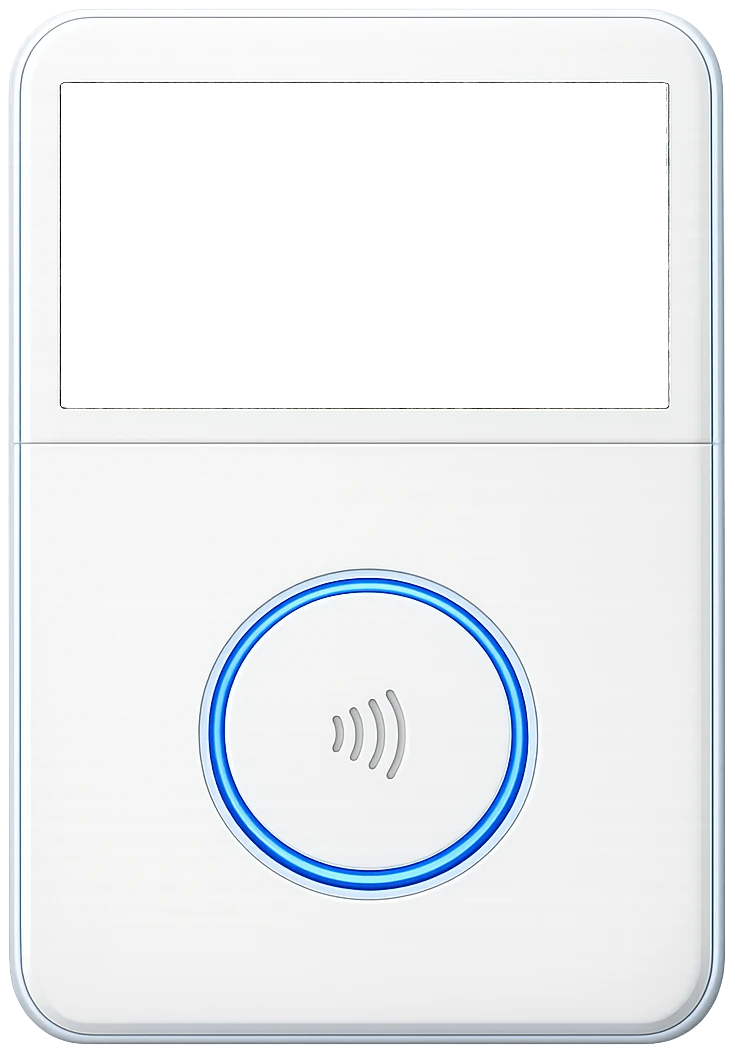
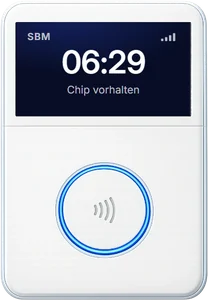
Employees clock in with a chip or Softlare card. The terminal transmits via a built-in SIM card – no Wi-Fi, no network setup. Requirements: power and mobile reception at the work site.
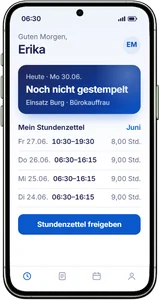
With a terminal, employees see their clocked times in the app. Without a terminal, they record clock-in, clock-out and breaks directly in the app and send them to your office.
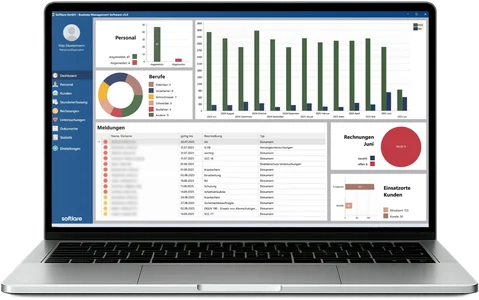
Your scheduling team checks and approves. Then the hours go to your payroll program or straight into the invoice.
Terminal, app, office or client time records – all times come together in the same timesheet.
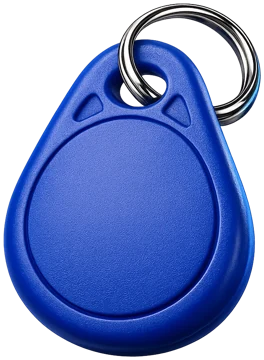
Employees clock in with a chip on a key fob or with a card bearing your logo. The device simply needs to be plugged in and transmits via a built-in SIM card.
Where there is no terminal, employees record clock-in, clock-out and breaks directly on their smartphone.
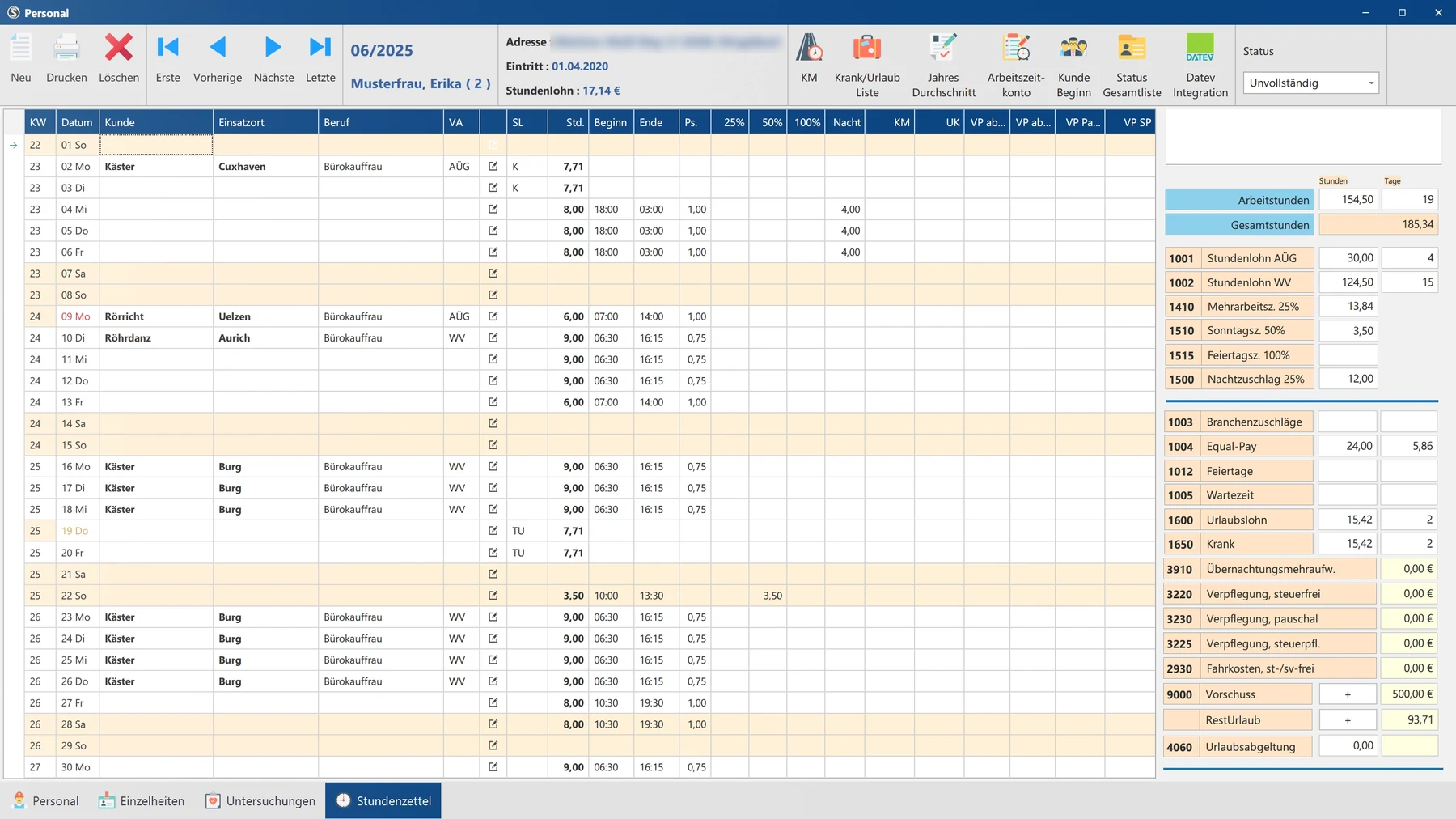
Your scheduling team enters times directly in the timesheet: start, end and up to three breaks per day.
If your client works with its own time-tracking system, SBM imports its PDF time records into the monthly timesheet.
SBM calculates what would otherwise be recalculated by hand – according to the terms agreed with your clients and employees.
Hours are split into Saturday, Sunday, public holiday and night – separately for employee and client, according to the stored terms.
Nationwide and regional public holidays, including half days – for the correct public holiday supplements at every work site.
Terminal bookings go into the working time log. There you check and correct them day by day; after approval, the times appear in the timesheet.
SBM flags anomalies such as days without hours, more than 12 or fewer than 2 hours, hours on days of leave or without a work site – and reconciles with DATEV.
Holiday, sickness, public holiday, time account and other indicators directly in the timesheet. After 42 days of sickness, SBM points out the end of continued pay during sickness (Entgeltfortzahlung).
Equal Pay and industry supplements are taken into account per day in the timesheet – costs per client and month remain visible.
Hours, supplements, Equal Pay and industry supplements go to DATEV or Addison as wage types.
Select the service period, create the invoice – also as an e-invoice (ZUGFeRD with XRechnung profile).
SBM does not produce the payroll itself – payroll is run in your payroll program.
| Topic | Before | With SBM |
|---|---|---|
| Recording | Paper forms, fax, photo or messenger | Terminal with chip or card, app or PDF import |
| Transfer | Hours retyped several times | Times go straight into the timesheet |
| Supplements | Recalculated by hand | Automatic according to client terms |
| Public holidays | Lists maintained per federal state | Stored per federal state |
| Review | Errors often only show up in payroll | Check before month-end closing |
| Payroll and invoicing | Hours recorded again | Handover to DATEV or Addison, invoice from the timesheet |
Following the decision of the Federal Labour Court (Bundesarbeitsgericht) of 13 September 2022 (1 ABR 22/21), employers must introduce a system that records the start, end and duration of working time. Depending on the industry and type of employment, further recording obligations apply, for example under the Minimum Wage Act (Mindestlohngesetz).
With SBM, start, end and breaks are recorded digitally for each day – at the terminal, in the app or in the office – and remain traceable in the timesheet.
Note: This page provides a general overview and does not replace legal advice.
Your question is not listed? Call us or arrange a presentation.
+49 (0) 6241 678 789-0At the time clock terminal with a chip or card, or in the SBM employee app. In addition, your scheduling team can enter times in the office or import clients’ PDF time records.
No. The terminals transmit via a built-in SIM card and simply need to be plugged in. Requirements are power and mobile reception at the work site.
Yes. Employees can clock in offline; the bookings are transmitted automatically as soon as a connection is available again. When clocking in, the location is recorded via GPS.
Terminal bookings go into the working time log. There they are checked day by day and corrected if necessary; after approval, they appear in the timesheet – without export, import or retyping.
Yes. SBM splits the hours into Saturday, Sunday, public holiday and night – separately for employee and client and according to the stored terms. Public holidays are stored per federal state, including half days.
No. SBM prepares the payroll data – hours, supplements, Equal Pay and industry supplements as wage types – and hands it over to DATEV or Addison. Payroll is run in your payroll program.
Yes. PDF time records from client systems are imported into the monthly timesheet and assigned to the respective client. New formats can be added.
German, English and Turkish. Besides clocking in, employees can request leave, report sick, download payslips as PDFs and sign documents digitally.
In the free online presentation (approx. 45 minutes), we show the terminal, app and timesheet – based on your workflows.


 Deutsch
 English
 Magyar
 Polski
 Română
 Türkçe
 Українська
 Български