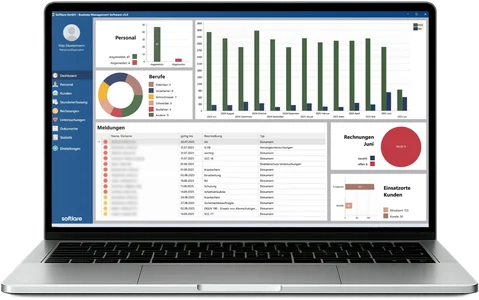
For each employee and client, SBM determines when Equal Pay starts, applies every industry supplement (Branchenzuschlag) stage automatically and shows the values per day in the timesheet (Stundenzettel) – for payroll, invoicing and a clear view of costs.
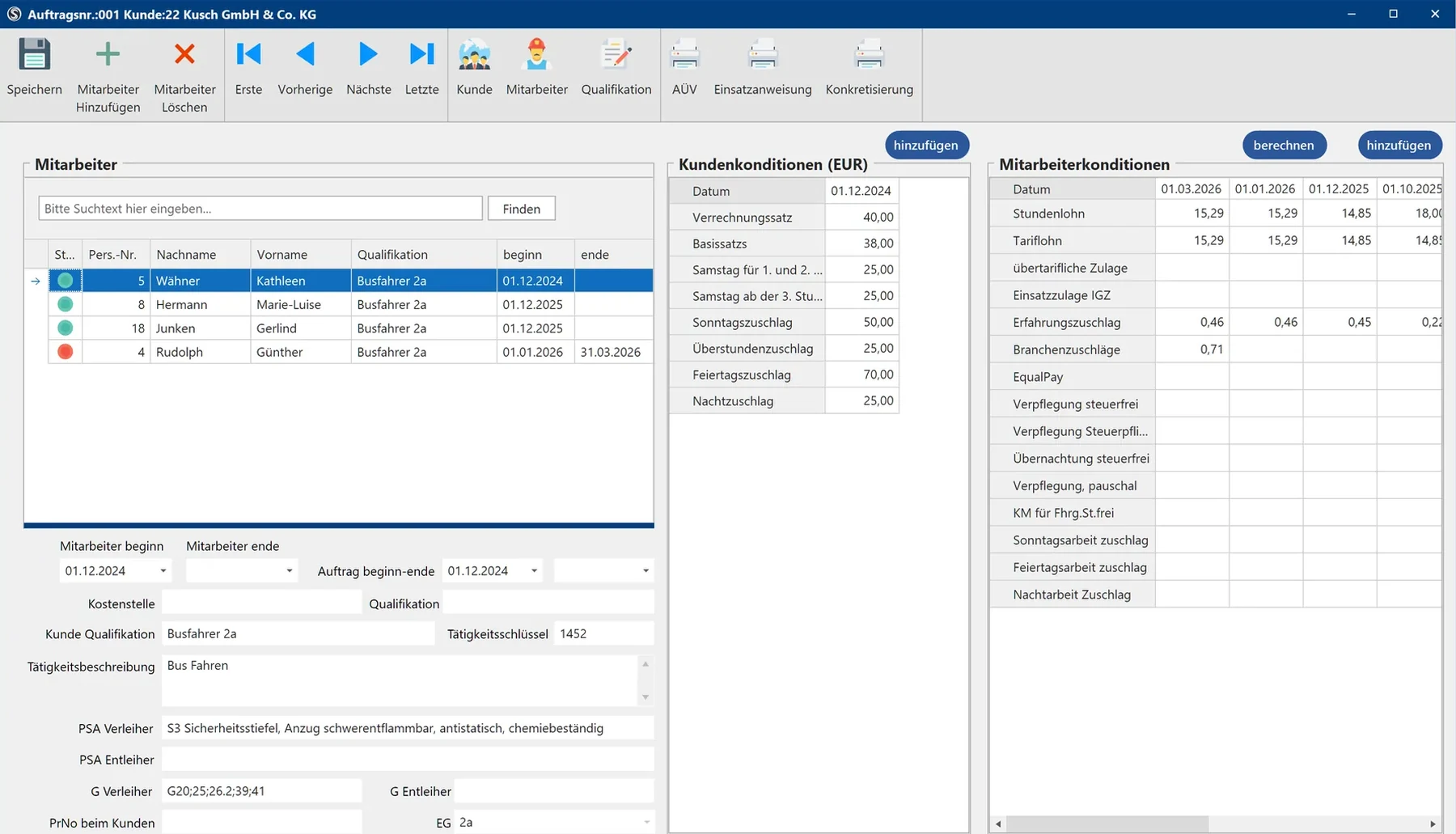

Equal Pay deadlines and supplement scales are often kept in separate Excel spreadsheets. In SBM, they are part of the client, the order and the timesheet.
For each client, you specify: Equal Pay after 9 months, from the first day, or industry supplements based on the length of assignment.
You assign the industry collective agreement (Branchentarif) and supplement scale per client or order. SBM counts the length of assignment and applies each stage automatically.
For each main activity, you store the comparable pay (Vergleichsentgelt) at the client. SBM measures Equal Pay against it and caps supplements where the collective agreement provides for this.
Equal Pay, industry supplement and experience supplement (Erfahrungszuschlag) appear per day in the timesheet, in payroll preparation and in the statistics.
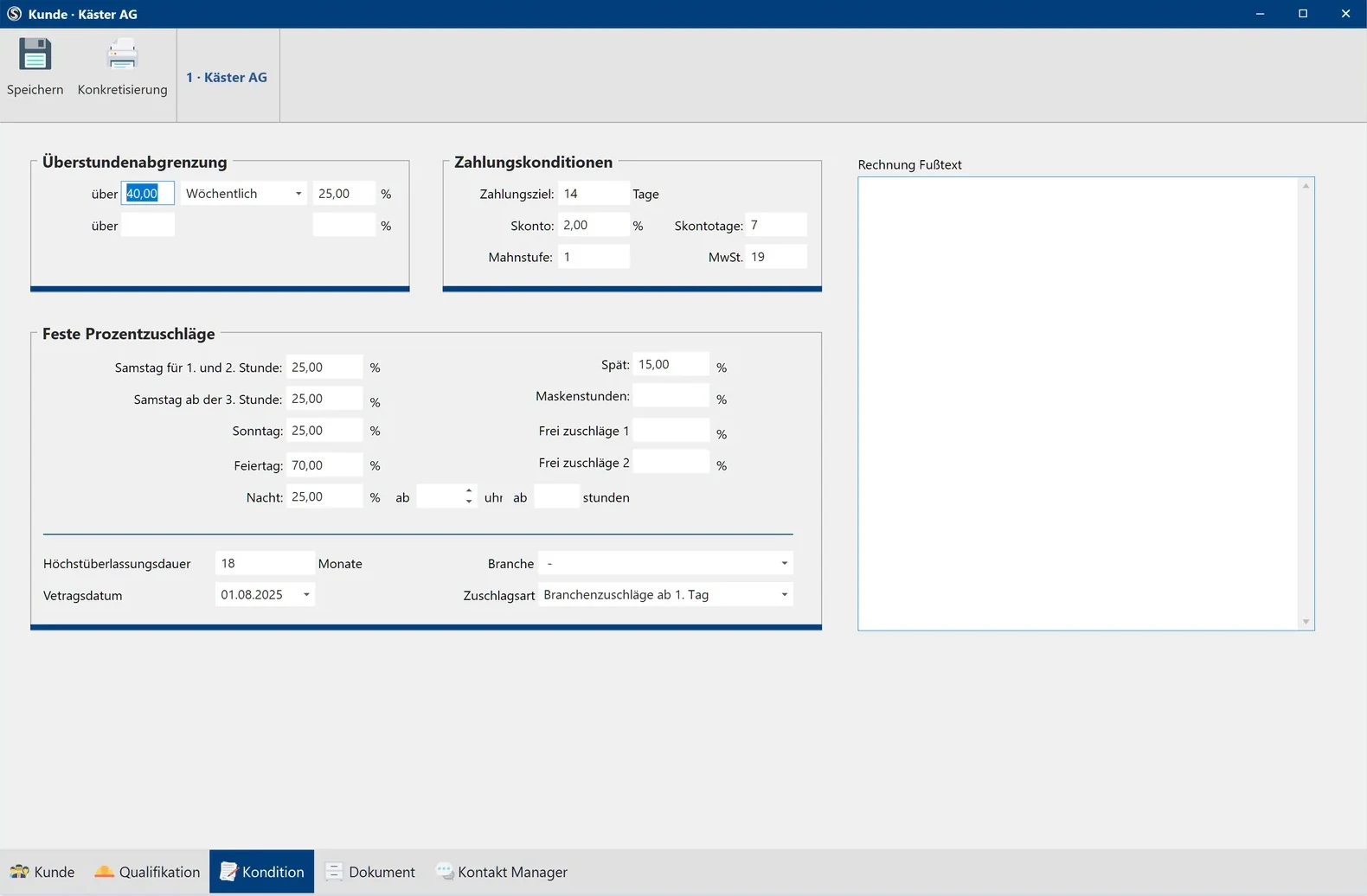
The rules apply from the moment you store them for the client and in the order. From then on, SBM takes them into account.
Equal Pay type, industry collective agreement and comparable pay are stored for the client – via settings, without programming.
In the order, SBM applies the client’s rules and calculates the start date and stages for each employee.
For each day, SBM shows Equal Pay and the industry supplement – separately from Saturday, Sunday, public holiday and night supplements.
The values go to DATEV or Addison as separate wage types (Lohnarten); the list and statistics show the costs per client.
When collectively agreed pay rises, you switch all employees to the new values from the effective date in a single step.
| Topic | With Excel lists | With SBM |
|---|---|---|
| Deadlines | Tracked manually for each employee | Start and end determined automatically |
| Supplement stages | A change of stage is easily overlooked | Applied automatically from the effective date |
| Pay tables | Maintained yourself | GVP pay tables included |
| Payroll | Supplements recalculated by hand | Per day in the timesheet |
| Costs | Only visible after payroll | EP/BZ list and statistics |
Under § 8 AÜG, Equal Pay applies in principle from the first day. A collective agreement for temporary agency work may deviate from this for up to nine months, and a collective agreement on industry supplements (TV BZ) for up to 15 months – whether a TV BZ applies and from when the first supplement is due is governed by the collective agreement of the respective industry.
Note: General overview, not legal advice. The AÜG and the collective agreement in force are decisive.
Your question is not listed? Call us or arrange a presentation.
+49 (0) 6241 678 789-0Yes. For each client, you set the Equal Pay type: after 9 months, from the first day, or with industry supplements based on the length of assignment. From this, SBM determines the start and end for each employee and client and calculates using the comparable pay stored for the client.
As a percentage supplement on the collectively agreed hourly pay, which rises in stages with the length of the assignment at the client. SBM maps up to seven stages up to an assignment length of 15 months and applies each stage automatically. The GVP pay tables are included.
Under § 8 Abs. 4 AÜG, earlier assignments to the same user undertaking (Entleiher) count if there are no more than three months between the assignments in each case. SBM calculates the Equal Pay start date from the stored assignment periods.
In the timesheet per day, in the EP/BZ list and in the statistics per client, work site and month.
As separate wage types. SBM hands them over to DATEV or Addison together with the other monthly values. The payroll itself is produced by your payroll program.
In a free online presentation (approx. 45 minutes), we run the calculations with your own collective agreements and clients.


 Deutsch
 English
 Magyar
 Polski
 Română
 Türkçe
 Українська
 Български